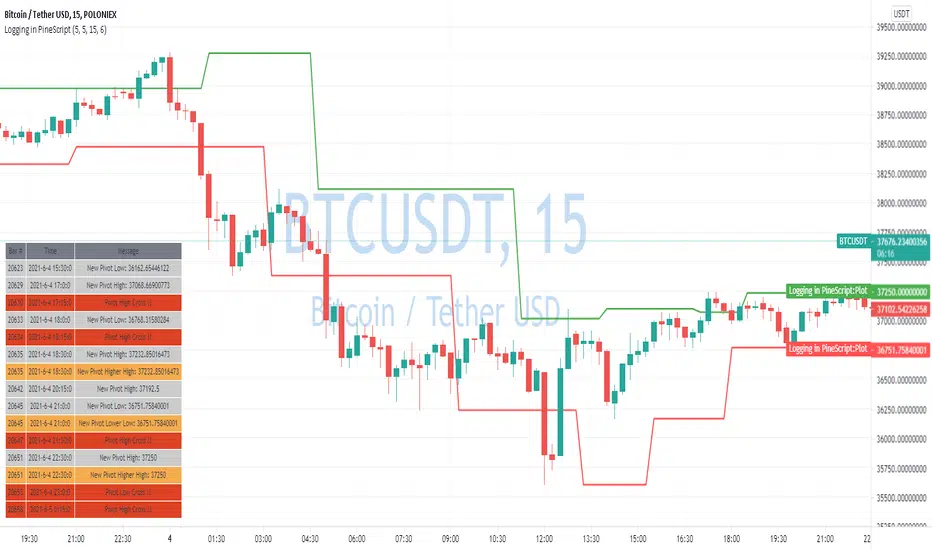
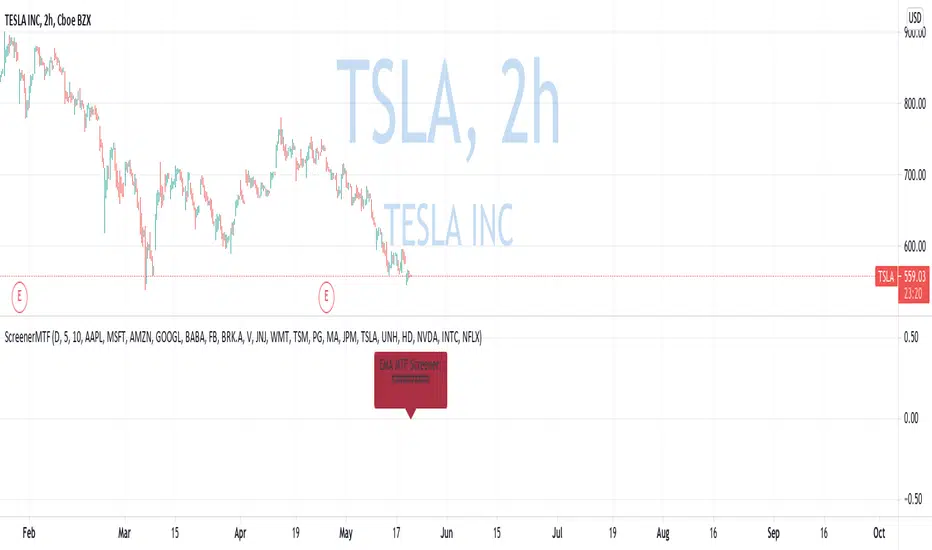
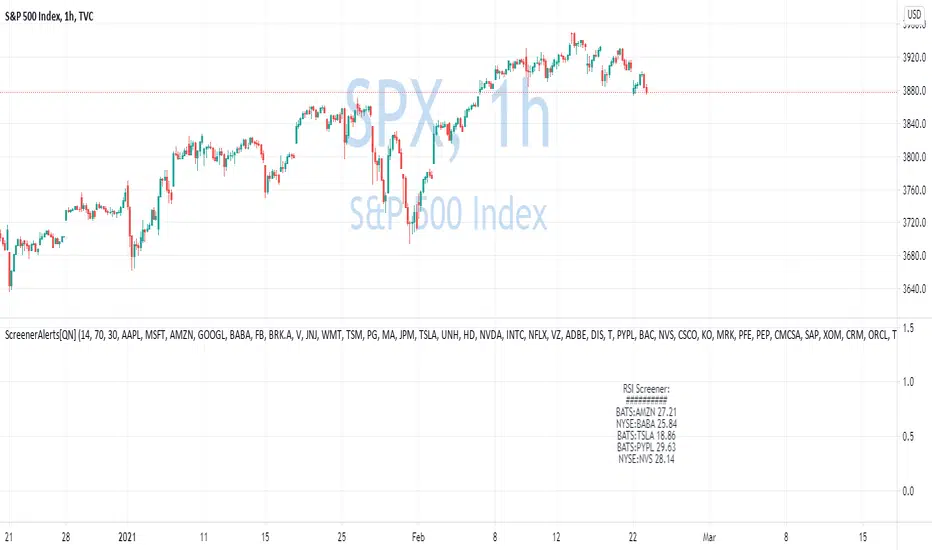
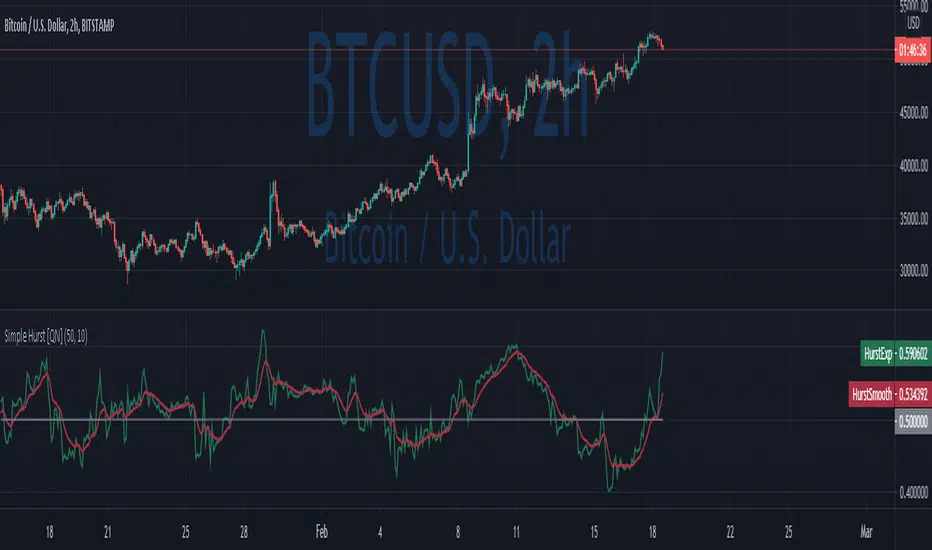
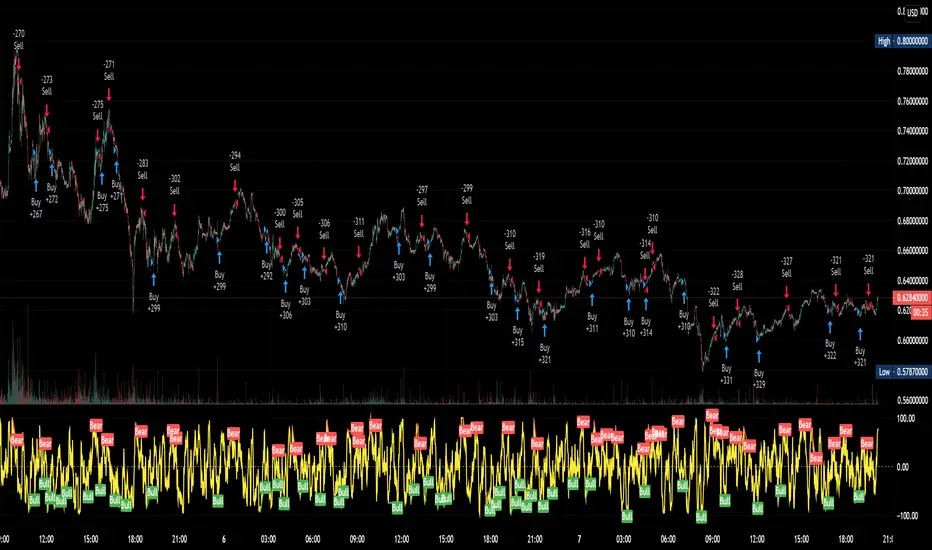
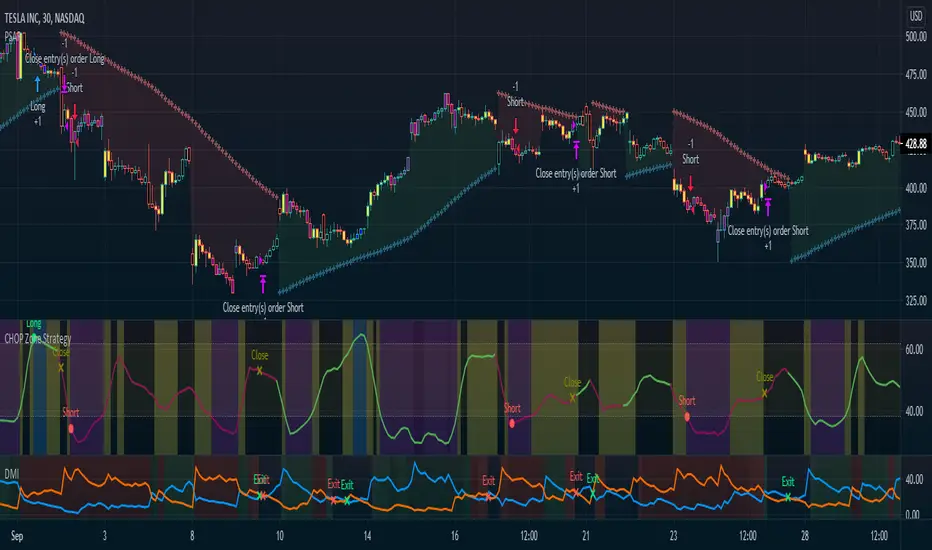
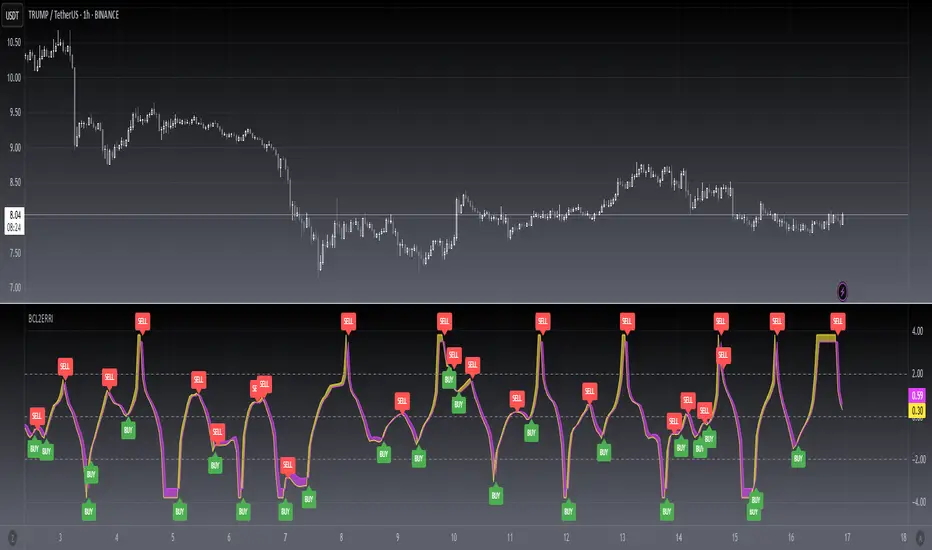
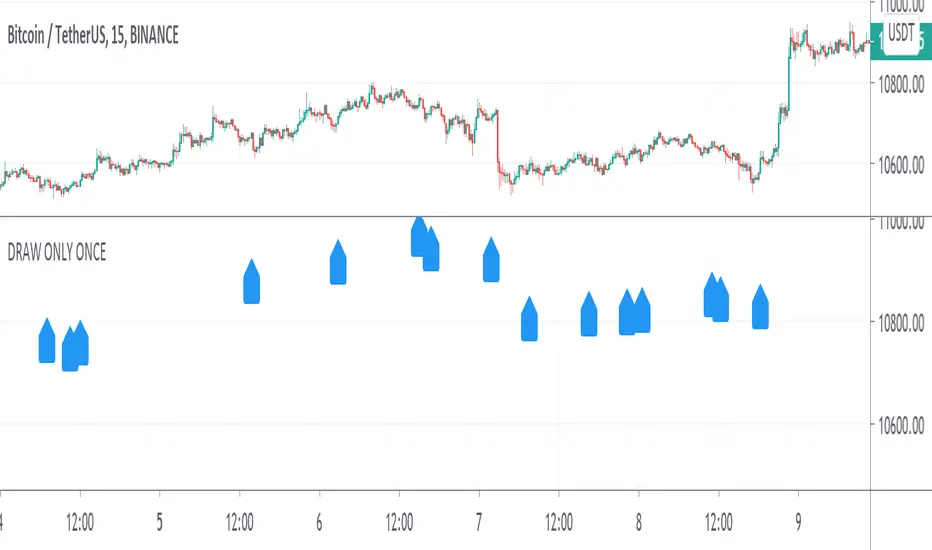
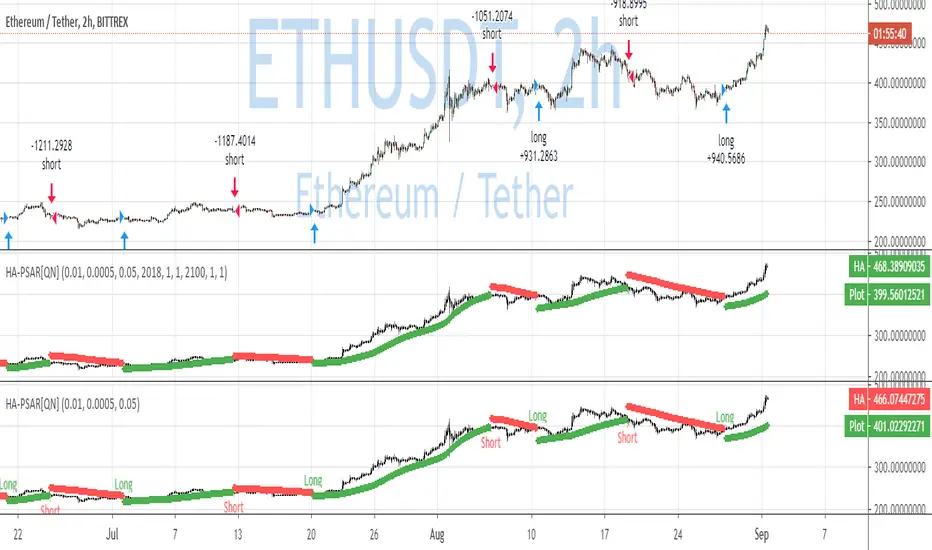
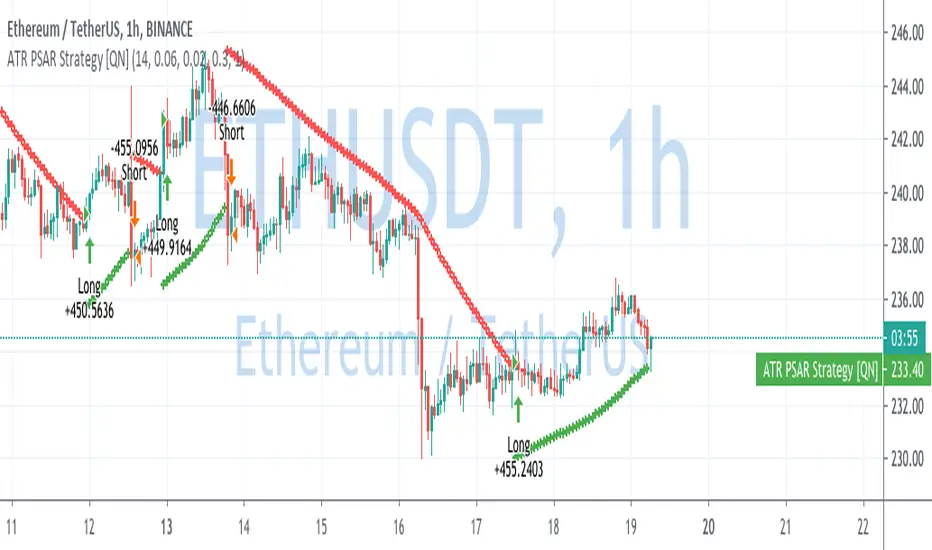
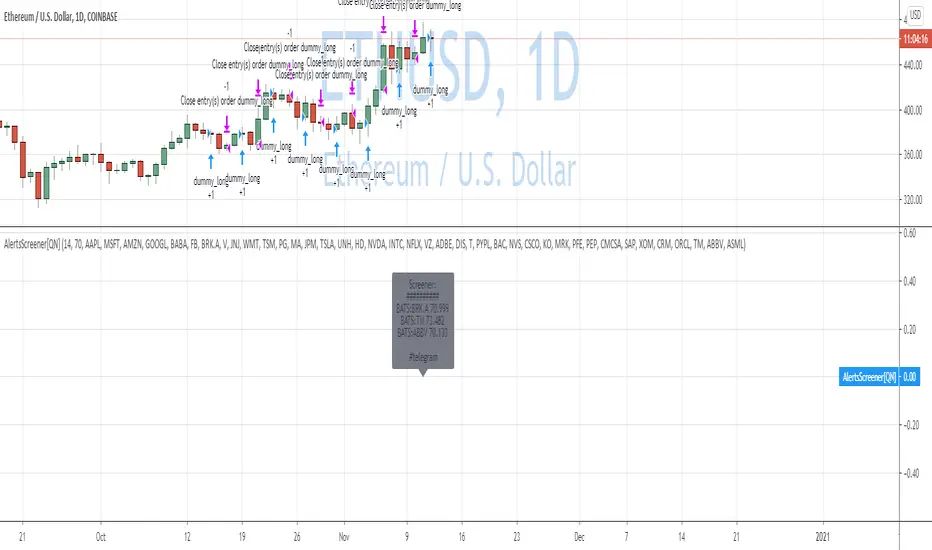
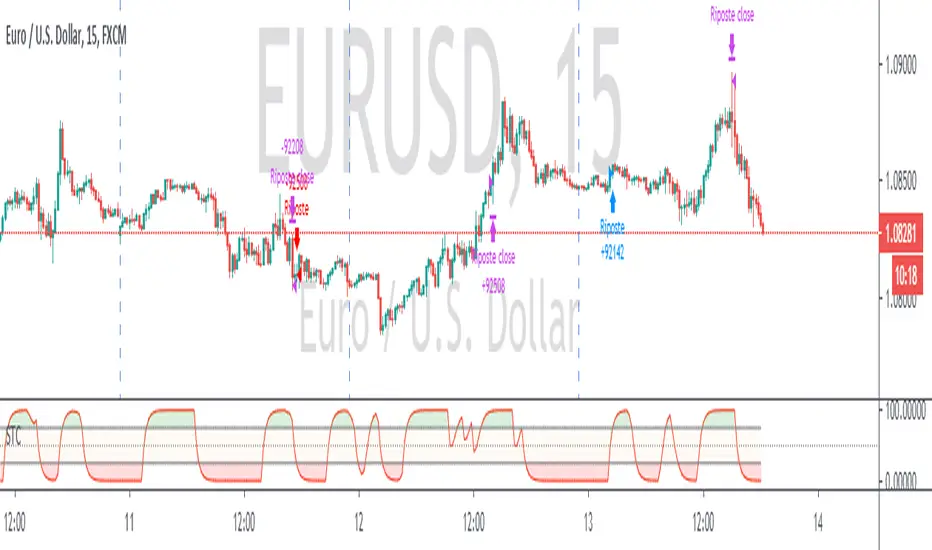
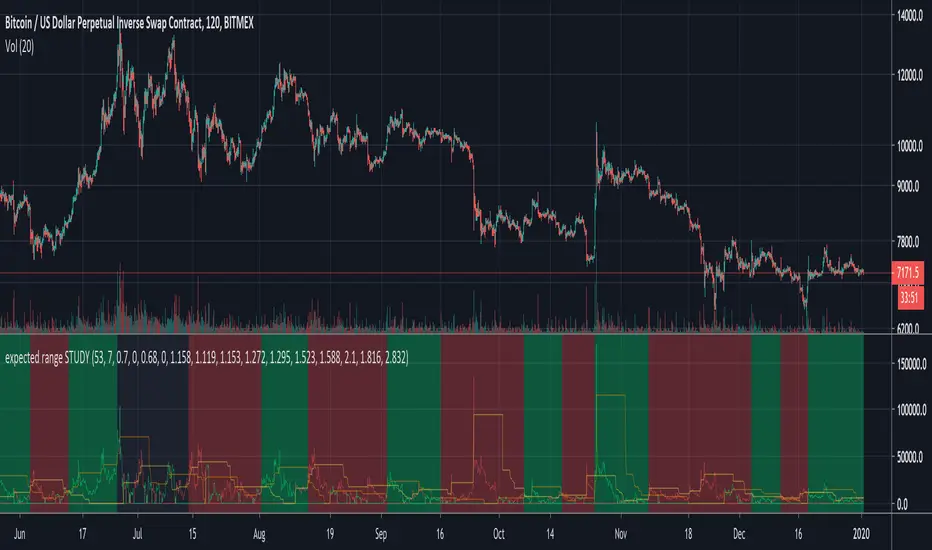
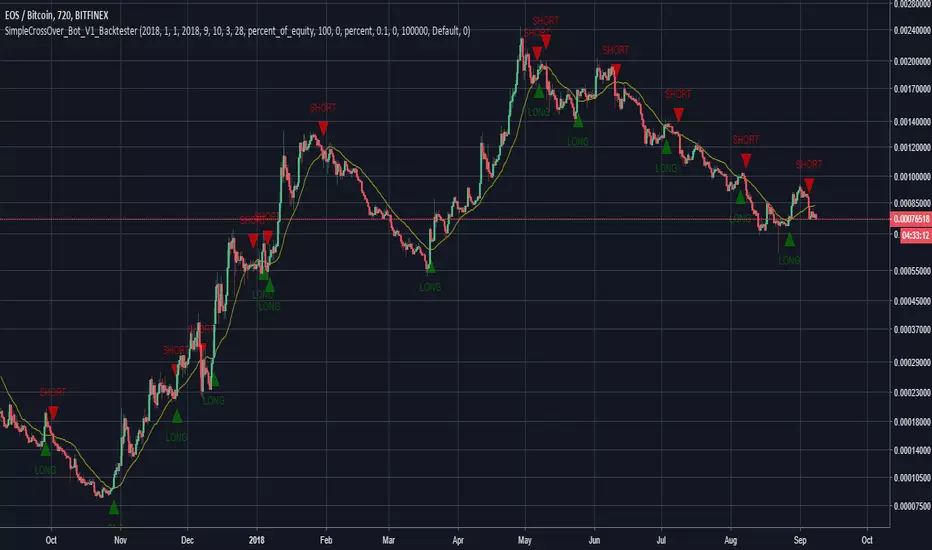
Updated TurtlesThis script has been updated to prevent double orders (short/long) from occurring and modifying backtests results.
This is an update to the script that was written a few years ago to prevent double longs/shorts from occurring and skewin backtesting results. Check out the updated indicator here and let me know what you think.
I also added:
- date range inputs if you want to do some backtesting on a particular set of dates.
- the ability to toggle shorting
Tìm kiếm tập lệnh với "backtesting"
3 Duck's Trading System from Babypips.comThe 3 Duck's Trading System from Babypips.com
The 3 Duck's Trading System is the most popular and active trading system thread on the the babypips.com forum. It is a system that is mainly for beginners because it teaches you discipline, learning to cope with price moving against your position and learning to stay in a trade and keep profits running. For the thread and more info on the 3 Duck's Trading System click here
How does it work?
The system is a very simple enter/exit based on the 60 SMA of 3 different time frames: 4 hour, 1 hour and 5 minute.
The Rules, er, the Ducks! The Ducks must all be in a row for a trade to take place!
Duck 1 - To go long, price must be above the 60 SMA on the 4 hour chart.
Duck 2 - To go long, price must be above the 60 SMA on the 1 hour chart.
Duck 3 - To go long, price must cross above the 60 SMA on the 5 minute chart and the 60 SMA of the 5 minute chart must be below that of the 4 hour and 1 hour chart. (obviously the reverse for shorting)
YOU MUST USE THIS SYSTEM ONLY ON THE 5 MINUTE CHART.
I say this because I have already charted all of the Ducks into the 5 minute chart so you don't have to flip back and forth.
I have also added some inputs for profit targets, stop targets, trailing stops and times to trade for backtesting.
If you have any questions or comments, please let me know! If you see I messed up on something, please let me know!
Also a VERY special thanks to the babypips.com user Captain_Currency . He wrote this strategy 10 years ago (2007 was 10 years ago?!) and he is still active on the thread and posting results and offering help!
Adam Smith - MovingAvg CrossSimple Moving Average Cross script. Test on stocks and currency. For stocks test shorter time periods, meaning intra-day time periods such as 3min to 30min and so on to fit what is best. For currency, try longer periods with this model such as day to weeks depending on which currency.
NOTE: Take a look at your Max Drawdowns when testing. This will be the main indicator once you figure out your time period for backtesting. This will also let you know how much money to save and/or hold back in savings for down periods.
Adding some essential components to a prebuilt RSI strategyThis is more to be used as a blank_slate for any strategy build adding more effective backtesting with a period selector and inputs like TS, TP, SL that can all be used as plots for alerts.
It has the BackTest Component created by Pbergden
It also includes the standard long/short with trailing stop, take profit, stop loss and margin call.
Here is a video using the blank_slate to add in the built-in RSI Strategy.
youtu.be
We hope this brings good results and helps speed things up for everyone.
Trend v4.0 Another updateYet another update, default settings can be customized to your needs. Be aware that while this is similar to the other versions, this can only repaint an active bar, but that slows it down by one period. You are warned. Be that as it may, the basic idea is the same; trying to capture the really strong moves into overbought or oversold territory as defined by Relative Strength index. In RSI mode, you can see the smoothing has slowed it down a bit, but warrants backtesting.
First green bar go long, First red bar go short, first white bar possible trend exhaustion. Or use crossovers and such, play with the inputs OB/OS, RSI length, signal length, tick length, swing length, as I said customize to your tastes. I offer no surety as to its efficacy, but we all learn.
Trade Responsibly,
Shiroki
CM Stochastic POP Method 2-Jake Bernstein_V1Yesterday Jake Bernstein authorized me to post his updated results with the Stochastic Pop Trading System he developed many years ago.
You can take a look at the Original System with Updated Settings at
This indicator is a different set of rules Jake mentioned in the PDF he allowed me to post.
To view the PDF use this link:
dl.dropboxusercontent.com
Today we’re releasing the version described in the PDF that uses the StochK values of 55, 50, and 45. The rules are discussed in the PDF but here is a simple breakdown:
Enter Long when StochK is below 50 and Crosses Above 55
Exit Long on Cross Below 55
Enter Short when StochK is Above 50 and crosses Below 45
Exit Short on Cross Above 45
Two Important Items to understand about this method:
To code the rules Precisely we need a function that will be available when Strategy Capabilities are released on TradingView.
There is one of Jakes Profit Maximizing Strategies that needs to be integrated with this code…which again we need the Strategy based Function that will be coming soon.
To Compare this system to the Stochastic Pop Method 1 System shown yesterday at I used the same Symbol and dates for you to compare…but remember to give this Method 2 System a Fair Look/Evaluation…we need the Soon To Be Released…TradingView Strategy Capabilities.
BackTesting Results Example: EUR-USD Daily Chart Since 01/01/2005
Strategy 1 – Stochastic Pop Method 2 System:
Go Long When Stochasticis below 50 and Crosses Above 55. Go Short When Stochastic is above 50 and Crosses Below 45. Exit Long/Short When Stochastic has a Reverse Cross of Entry Value.
Results:
Total Trades = 151
Profit = 40,758 Pips
Win% = 37.1%
Profit Factor = 1.26
Avg Trade = 270 Pips Profit
***Most Consecutive Wins = 4 ... Most Consecutive Losses = 7
Strategy 2:
Rules - Proprietary Optimization Jake Will Teach. Only Added 1 Additional Exit Rule.
Results:
Total Trades = 151
Profit = 60.305 Pips
Win% = 37.1%
Profit Factor = 1.38
Avg Trade = 399 Pips Profit
***Most Consecutive Wins = 4 ... Most Consecutive Losses = 7
Indicator Includes:
-Ability to Color Candles (CheckBox In Inputs Tab)
Green = Long Trade
Blue = No Trade
Red = Short Trade
Jake Bernstein will be a contributor on TradingView when Backtesting/Strategies are released. Jake is one of the Top Trading System Developers in the world with 45+ years experience and he is going to teach TradingView.com’s community how to create Trading Systems and how to Optimize the correct way.
Link To PDF:
dl.dropboxusercontent.com
Link to Original Version of Indicator with Updated Settings.
CM Stochastic POP Method 1 - Jake Bernstein_V1A good friend ucsgears recently published a Stochastic Pop Indicator designed by Jake Bernstein with a modified version he found.
I spoke to Jake this morning and asked if he had any updates to his Stochastic POP Trading Method. Attached is a PDF Jake published a while back (Please read for basic rules, which also Includes a New Method). I will release the Additional Method Tomorrow.
Jake asked me to share that he has Updated this Method Recently. Now across all symbols he has found the Stochastic Values of 60 and 30 to be the most profitable. NOTE - This can be Significantly Optimized for certain Symbols/Markets.
Jake Bernstein will be a contributor on TradingView when Backtesting/Strategies are released. Jake is one of the Top Trading System Developers in the world with 45+ years experience and he is going to teach how to create Trading Systems and how to Optimize the correct way.
Below are a few Strategy Results....Soon You Will Be Able To Find Results Like This Yourself on TradingView.com
BackTesting Results Example: EUR-USD Daily Chart Since 01/01/2005
Strategy 1:
Go Long When Stochastic Crosses Above 60. Go Short When Stochastic Crosses Below 30. Exit Long/Short When Stochastic has a Reverse Cross of Entry Value.
Results:
Total Trades = 164
Profit = 50, 126 Pips
Win% = 38.4%
Profit Factor = 1.35
Avg Trade = 306 Pips Profit
***Most Consecutive Wins = 3 ... Most Consecutive Losses = 6
Strategy 2:
Rules - Proprietary Optimization Jake Will Teach. Only Added 1 Additional Exit Rule.
Results:
Total Trades = 164
Profit = 62, 876 Pips!!!
Win% = 38.4%
Profit Factor = 1.44
Avg Trade = 383 Pips Profit
***Most Consecutive Wins = 3 ... Most Consecutive Losses = 6
Strategy 3:
Rules - Proprietary Optimization Jake Will Teach. Only added 1 Additional Exit Rule.
Results:
Winning Percent Increases to 72.6%!!! , Same Amount of Trades.
***Most Consecutive Wins = 21 ...Most Consecutive Losses = 4
Indicator Includes:
-Ability to Color Candles (CheckBox In Inputs Tab)
Green = Long Trade
Blue = No Trade
Red = Short Trade
-Color Coded Stochastic Line based on being Above/Below or In Between Entry Lines.
Link To Jakes PDF with Rules
dl.dropboxusercontent.com
RSI & BB Oversold Scalper with MACD Confirmation [DotGain]RSI & BB Oversold Scalper with MACD Confirmation
The RSI & BB Oversold Scalper is a mean reversion / dip-buying indicator designed for traders who want to combine oversold conditions with momentum confirmation .
It uses a multi-step logic: first detect an oversold setup, then wait for a MACD confirmation within a defined time window before issuing a buy signal.
---
Core Concept
1. Detect an oversold setup using Bollinger Bands %b, RSI and an optional DSS filter
2. Keep the setup active for a limited number of candles
3. Trigger the entry using a MACD bullish crossover
4. Reset after entry to avoid multiple signals from the same setup
---
Buy Signal Logic
A buy signal is generated when the following conditions are met:
1. Oversold Setup (filters can be enabled/disabled individually)
• Bollinger Bands %b Oversold (Lookback-based)
The price has traded below the lower Bollinger Band at least once within the last `lookbackBB` candles.
• RSI Oversold (Lookback-based)
The RSI has dropped below 30 at least once within the last `lookbackRSI` candles.
• DSS (Double Smoothed Stochastic) Reversal Filter
A bullish crossover of the DSS line above its signal line while the DSS value is below 20 , indicating a potential momentum reversal from oversold conditions.
Note:
BB %b and RSI are lookback filters , while the DSS condition is a single-bar crossover event .
---
2. MACD Confirmation (Entry Timing)
After the setup becomes active, the indicator waits for a bullish MACD crossover (`MACD line crosses above Signal line`) within a user-defined time window (`validWindow` candles).
If the MACD confirmation occurs within this window, a buy signal is printed.
If the window expires without confirmation, the setup is discarded automatically.
---
Reset Logic
• After a buy signal, the setup is reset immediately
• Only one signal is allowed per setup
• No late entries after the time window expires
---
Inputs & Customization
• Enable or disable BB, RSI and DSS filters individually
• Adjust lookback periods to control how recent oversold conditions must be
• Tune the MACD confirmation window to balance early vs. conservative entries
Smaller windows = faster, more aggressive entries
Larger windows = fewer but more confirmed signals
Recommended Markets & Timeframes
• Cryptocurrencies, Forex, Indices, liquid stocks
• Best suited for 1m – 15m scalping
• Also usable on 15m – 1h for slower mean-reversion trades
Visuals
• Buy signals are displayed as labels below the price candles
Important Notes
• This indicator is a signal and timing tool , not a complete trading system
• Always combine with higher-timeframe trend, support/resistance or volume analysis
• Backtesting and paper trading are strongly recommended
Disclaimer:
This "RSI & BB Oversold Scalper with MACD Confirmation" (Oversold Scalper) indicator is provided for informational and educational purposes only. It does not, and should not be construed as, financial, investment, or trading advice.
The signal generated by this tool (Green) is the result of a specific set of algorithmic conditions. They are not a direct recommendation to buy or sell any asset. The indicator's purpose is to highlight possible weakness in the markets, not to provide infallible trade signals.
All trading and investing in financial markets involves a substantial risk of loss. You can lose all of your invested capital.
Past performance is not indicative of future results. Even an indicator designed to filter out "chop" may produce false, lagging, or losing signals. Markets can remain unpredictable longer than you can remain solvent.
The creator DotGain assumes no liability for any financial losses or damages you may incur, directly or indirectly, as a result of using this indicator or the information it provides.
You are solely responsible for your own trading and investment decisions. Always conduct your own research (DYOR), validate signals with other methods, and consider your personal risk tolerance before entering any trade.
VIOP Scalping - OriginalVIOP Scalping – Original is a rule-based scalping strategy ported from an original C# logic set. It aims to trade only when trend direction, momentum, and trend strength align, then manages the position using fixed take-profit/stop-loss percentages with an optional trailing mechanism to protect gains during favorable moves.
This strategy is provided for educational and backtesting purposes only. It is not financial advice and does not guarantee profitability. Always test thoroughly before any live usage.
Core Concept
Follow the dominant WMA trend, confirm momentum with EMA separation, filter conditions with RSI + ADX, then exit using fixed TP/SL with trailing behavior after a defined profit threshold.
How the Strategy Works
Trend Direction is defined by WMA: above WMA = long bias, below WMA = short bias.
Momentum is measured via Fast EMA vs Slow EMA and the EMA difference.
Trend Strength is confirmed using ADX (must exceed a threshold).
RSI filters trades to avoid entering when momentum is likely overextended or weak.
A no-trade session blocks entries during a predefined time window (default 09:30–10:05).
Exit logic uses fixed percent TP/SL, with an optional trailing mechanism that activates after a profit threshold.
Inputs and Settings
Trend and Indicator Settings
Main Trend WMA: Determines directional bias (price above = long, price below = short).
Fast EMA / Slow EMA: Used to measure momentum and directional separation.
RSI Period: Filters entries based on RSI range constraints.
ADX Period: Measures trend strength (must exceed threshold to allow entries).
Threshold Settings
EMA Difference Threshold: Minimum EMA separation required to validate momentum.
ADX Threshold: Minimum ADX required to confirm trend strength.
RSI Long Ceiling: RSI must remain below this value for long entries.
RSI Short Floor: RSI must remain above this value for short entries.
Risk Management Settings
Take Profit %: Default TP distance in percent.
Strong Trend Take Profit %: Higher TP used when a “strong trend” condition is detected.
Stop Loss %: Fixed SL distance in percent.
Trailing Activation %: Profit threshold at which trailing starts.
Trailing Distance %: Trailing offset distance used once trailing is active.
Time Filter
No-Trade Hours: Default session is 09:30–10:05. During this window, the strategy does not open new trades.
Entry Logic
No-Trade Time Filter
If the current bar falls inside the no-trade session, entries are blocked.
Long Entry Conditions
Price is above the WMA trend line.
EMA difference is positive and greater than the EMA Difference Threshold.
EMA momentum is increasing (current EMA diff > previous EMA diff).
RSI is within the defined range (RSI > 48 and RSI < RSI Long Ceiling).
Close is higher than the previous close.
ADX is above the ADX Threshold.
Short Entry Conditions
Price is below the WMA trend line.
EMA difference is negative and lower than -EMA Difference Threshold.
Bearish momentum is increasing (current EMA diff < previous EMA diff).
RSI is within the defined range (RSI < 52 and RSI > RSI Short Floor).
Close is lower than the previous close.
ADX is above the ADX Threshold.
Strong Trend Logic (Dynamic TP Selection)
If price is far from the WMA (absolute distance > 20 points) AND EMA separation is strong (absolute EMA diff > 1.5 points), the strategy treats the environment as a strong trend.
In strong trend mode, the strategy uses “Strong Trend Take Profit %” instead of the default “Take Profit %”.
Exit Management (TP/SL + Trailing)
The strategy uses fixed percentage-based TP and SL levels.
Trailing logic is enabled via strategy.exit and activates only after price moves in profit by the defined Trailing Activation %.
Once activated, trailing follows price using the defined Trailing Distance % offset.
This is designed to secure partial gains during extended moves while still allowing room for continuation.
What You See on the Chart
WMA Trend Line (Main Trend Filter).
Fast EMA and Slow EMA (Momentum Confirmation).
Strategy entry/exit markers generated by TradingView.
Recommended Use
Scalping systems that rely on trend-following and momentum confirmation.
Markets where ADX filtering helps avoid choppy conditions.
Traders who want a simple, parameter-driven TP/SL system with trailing after confirmation.
Important Notes
The no-trade session depends on your chart/session settings. Ensure your symbol/session configuration matches your intended market hours.
Percent-based exits scale with price; results will vary across instruments and volatility regimes.
Always validate behavior using bar replay, forward testing, and realistic commission/slippage assumptions.
Strategy Grid Optimizer (Trend & Risk)Description:
This tool transforms your chart into a powerful backtesting engine that runs hundreds of simulations per second. It is designed to solve the "Parameter Stability" problem: finding the settings that work robustly, rather than curve-fitting to a single number.
How It Works:
Instead of testing one setting at a time, this script uses Pine Script Arrays to run a "Grid Search" on your chart history:
Trend Filter: It iterates through a range of EMA Lengths (e.g., 20, 30, 40... to 200).
Risk Management: It iterates through a range of ATR Multipliers (e.g., 1.0, 1.5, 2.0...) for the trailing stop.
The Result: It ranks every combination based on Net Profit, Drawdown, and Win Rate, instantly highlighting the "Sweet Spot" for the current asset.
Strategy Logic (Fully Customizable):
By default, this script demonstrates a standard EMA 9/21 Crossover.
Developers & Traders: This script is designed as a Template. You can easily open the Source Code and replace the entry_signal logic with any strategy you wish (e.g., RSI, MACD, Bollinger Bands, or your own proprietary logic). The optimizer engine will work with whatever signal you provide.
Workflow:
Use the MTF Scanner to find the best Timeframe.
Load this Grid Optimizer on that timeframe.
Adjust the "Start" and "End" ranges in settings.
The table will reveal the optimal Trend/Risk combination for your strategy.
Momentum Concepts | Baseline Strategy 📊 Momentum Concepts | Baseline Strategy
Momentum Concepts | Baseline Strategy is a rule-based momentum framework designed to identify directional bias during active market hours and participate in sustained intraday price movement.
The strategy focuses on momentum behavior relative to a neutral reference level, allowing it to adapt dynamically to changing market conditions while avoiding unnecessary trades during indecisive phases.
🔹 Core Philosophy
This strategy is built around the concept that momentum alignment is more important than raw price movement.
Trades are taken only when momentum shows clear directional intent and remains aligned with the prevailing market bias.
Rather than reacting to short-term fluctuations, the strategy emphasizes continuation and structural momentum flow.
🔹 Market Behavior Classification
At any given time, the market is internally classified into one of the following states:
Positive Momentum Phase – Favoring long exposure
Negative Momentum Phase – Favoring short exposure
Neutral Phase – No new exposure
Only one directional bias is active at a time.
Internal momentum calculations, smoothing logic, and reference mechanics are intentionally abstracted.
🔹 Trade Execution Logic (High-Level)
Positions may initiate at the start of the trading session if momentum bias is already established
During the session, trades continue only when directional alignment remains valid
Opposing signals result in directional transition rather than over-trading
No discretionary or manual intervention required
🔹 Built-In Controls
Date-based trade activation filter
Session-based execution window
Optional bar-close confirmation to avoid intrabar noise
Fully rule-driven and non-repainting behavior
🔹 Ideal Use Case
Designed primarily for intraday index and derivative markets
Performs best during directional or momentum-driven sessions
May remain flat or switch bias during low-momentum conditions
🔹 Risk & Usage Notes
Position sizing and capital allocation depend on user configuration
Backtesting on the intended instrument and timeframe is strongly recommended
Performance may vary across volatility regimes and market environments
⚠️ Disclaimer
This strategy is provided for educational and analytical purposes only.
It does not constitute financial or investment advice.
Trading involves risk, and past performance does not guarantee future results.
ATR Momentum Status v.2ATR Momentum Status Version 2 locked ATR Momentum Status (Bar-Close Confirmed)
In previous versions, the ATR momentum status could change intrabar while the candle was still forming. In v.2, the ATR momentum is calculated only after the candle closed and is locked until the next candle closes.
Why this matters:
Prevents repainting or intrabar flipping
Ensures what you see on the dashboard is fully confirmed
Makes replay mode and backtesting reliable
How Traders Use It:
This tool is best used as a confirmation layer, not a standalone signal. Common use cases:
- Confirming FVG / CE acceptance
- Validating displacement candles
- Filtering trades to only Strong / Expansion conditions
- Avoiding entries during weak or declining volatility
Key Concept:
Price can move without momentum, but momentum confirms intent. With the ATR status locked after candle close, v.2 ensures every ATR reading represents real, confirmed market participation, making it safer for execution-based strategies.
Sawaes StrategyHere’s a **clear TradingView-style description** you can use directly in the indicator’s **Description** field or when sharing it publicly.
---
## 📈 Sawaes Strategy – Buy & Sell Signal (SuperTrend-Based)
### 🔹 Overview
**Sawaes Strategy** is a trend-following indicator based on a **custom SuperTrend calculation** using **ATR (Average True Range)**.
It is designed to identify **trend direction**, **dynamic support/resistance**, and provide **clear buy and sell signals** when price confirms a trend change.
The indicator plots a colored trailing line on the chart and generates visual arrows for entries, making it suitable for **intraday, swing, and positional trading**.
---
### 🔹 How It Works
1. **ATR Volatility Measurement**
* Uses ATR to measure market volatility.
* The ATR value is multiplied by a user-defined **Factor** to adapt to different markets and timeframes.
2. **Dynamic Trend Lines**
* A **SuperTrend trailing stop line** is calculated above or below price.
* The line moves only in the direction of the current trend, preventing whipsaws.
3. **Trend Direction**
* 🟢 **Green line** → Uptrend (Bullish)
* 🔴 **Red line** → Downtrend (Bearish)
4. **Trend Switching**
* Trend flips when price decisively crosses the trailing stop line.
* Entry arrows appear only on confirmed trend changes.
---
### 🔹 Buy & Sell Signals
#### 🟢 Buy Signal
* Price crosses **above** the SuperTrend line
* Price closes **above** the trailing stop
* Trend changes from **bearish to bullish**
* Displayed as:
* Green **triangle up**
* Green **arrow up** on trend reversal
#### 🔴 Sell Signal
* Price crosses **below** the SuperTrend line
* Price closes **below** the trailing stop
* Trend changes from **bullish to bearish**
* Displayed as:
* Red **triangle down**
* Red **arrow down** on trend reversal
---
### 🔹 Inputs
* **Factor**
Controls sensitivity.
* Higher value → fewer signals, stronger trends
* Lower value → more signals, faster reactions
* **ATR Period**
Defines how volatility is calculated.
---
### 🔹 Best Use Cases
✔ Trending markets
✔ Index, Forex, Crypto, Stocks
✔ Works on all timeframes
✔ Can be combined with:
* Volume confirmation
* RSI / MACD
* Support & Resistance
---
### 🔹 Risk Management Tips
* Use the SuperTrend line as a **dynamic stop-loss**
* Trail stops along the colored trend line
* Avoid choppy or sideways markets
* Confirm higher-timeframe trend for better accuracy
---
### 🔹 Alerts
The indicator includes:
* 📢 Buy alert
* 📢 Sell alert
These can be used for automation or mobile notifications.
---
If you want, I can:
* Rewrite this as a **short public TradingView description**
* Add **disclaimer text**
* Convert it into a **strategy with backtesting**
* Optimize parameters for **crypto / forex / indices**
Just tell me 👍
Weekly RSI + EMA Bias (FREE)Weekly RSI + EMA Bias — FREE
This indicator provides a clean, non-repainting weekly directional bias using:
• EMA trend filter
• RSI strength confirmation
• One controlled flip per week
• IST-based weekly entry & exit logic
• Holiday-safe exit handling (no missed exits)
WHAT THIS IS:
• A bias / confirmation tool
• Designed for positional & weekly traders
• Works on all intraday and higher timeframes
WHAT THIS IS NOT:
• Not a strategy
• No backtesting or performance metrics
• No buy/sell guarantees
METRICS TABLE:
The weekly metrics table is intentionally locked (🔒).
A fully unlocked metrics + strategy version is available separately.
Best used as a decision-support tool alongside your own execution rules.
Percentile-Based BB% Trend - MattesOverview
The Percentile-Based BB% Trend is a robust momentum oscillator that reimagines the classic Bollinger %B indicator using percentile-based bands and median absolute deviation (MAD). Instead of relying on a simple moving average and standard deviation (which can be heavily influenced by outliers), this version builds dynamic bands from the 25th and 75th percentiles of price, creating a noise-resistant framework for measuring where the current price sits relative to its recent distribution.
How It’s Calculated
Percentile Smoothing : 25th percentile (lower boundary) and 75th percentile (upper boundary) of the selected source.
Basis Line : Midpoint between the 25th and 75th percentiles as a robust central measure.
Robust Volatility : Median Absolute Deviation (MAD) multiplied by a user-defined factor to set band width.
PBB% Value : (Price - Lower Band) / (Band Width), then shifted so the midline is at 0.
Trend Line : Light EMA smoothing applied to the raw value and displayed as colored columns.
How It Differs From Traditional %B
Uses 25th/75th percentiles + MAD instead of SMA + standard deviation → far less sensitive to outliers.
More adaptive to real-world skewed price distributions.
Stronger noise filtering while staying responsive to genuine momentum.
Why It’s Useful
Reduced false signals in choppy or spiky markets
Clear view of momentum strength and price extension
Persistent readings above/below 0 indicate sustained bullish/bearish control
Excellent as a trend-strength filter across all asset classes and timeframes
Application Examples
Trend Confirmation – Midline (0) crossovers confirm direction when paired with trend-following tools.
Overextension Warnings – Extreme readings signal potential exhaustion.
Momentum Filtering – Avoid entries when oscillator shows weak or overstretched conditions.
Divergence Hunting – Spot price making new highs/lows while oscillator fails to confirm.
Great inventions require greate care!
Not a Standalone Strategy: This indicator is designed as a complementary tool and should always be combined with other forms of analysis (price action, volume, higher-timeframe trend, or additional indicators).Potential Lags in Explosive Moves: The robust calculations and smoothing can slightly delay signals during very strong trends.Parameter Sensitivity: Optimal length and multiplier vary by market and timeframe — backtesting is essential.No indicator guarantees profits; past performance is not indicative of future results.
This indicator builds directly on the foundation of the Percentile-Based Bollinger Bands - Mattes, extending its robust methodology into oscillator form for deeper momentum analysis.Shoutout to all my Masterclass Brothers and L4 Gs!
Supertrend BUY Only - Optimized for Gold M15 TimeframeOverview
The Supertrend BUY Only - Production Optimized is a high-performance trend-following indicator specifically tuned for XAUUSD (Gold) on the 15-minute timeframe. Unlike standard Supertrend scripts, this version focuses exclusively on bullish cycles to align with long-term upward bias and uses parameters discovered through deep data analysis of over 20,000 bars of historical market data.
Key Features
Data-Optimized Parameters: Defaults are set to ATR Period 7 and Multiplier 2.1, which backtesting has shown to provide a superior balance between sensitivity and noise reduction for Gold.
Production-Ready Alerts: Includes built-in alertcondition triggers for both BUY (Trend Flip) and STOP BUY (Trend Exit), complete with dynamic messages that include price and interval.
Trailing Support Band: Uses a trailing logic that locks in support levels during upward moves, preventing the band from dropping until the trend officially reverses.
Clean Visuals: Focuses on chart clarity by only plotting the support line during active uptrends and utilizing clean shape labels for entries and exits.
How to Use
Entry (BUY): When the Supertrend line flips from Red to Green and a "BUY" label appears. This indicates bullish momentum has overcome recent volatility.
Exit (STOP BUY): When the price closes below the Green support line. The indicator will plot a red "X" and clear the green background.
Setting Alerts: * Click the Alerts icon in TradingView.
Select this indicator under "Condition."
Choose "BUY Signal" for entries and "STOP BUY / EXIT" for managing your trade or taking profit.
Technical Details
The script allows users to toggle between the TradingView (RMA) ATR calculation and the Standard (SMA) method. For production and live trading, the RMA method is recommended as it provides a smoother response to volatility spikes common in the Gold market.
VWAP Long Entry PROVWAP Long Entry PRO - Instruction Manual
Overview
VWAP Long Entry PRO is a Pine Script v6 indicator designed for day traders following Andrew Aziz's VWAP trading methodology from "How to Day Trade for a Living." The indicator identifies high-probability long entry opportunities when stocks bounce off VWAP with proper trend, volume, and timing confirmation.
What This Indicator Does
The indicator monitors multiple conditions simultaneously and alerts you only when ALL criteria are met for a valid VWAP long entry:
1. ✅ Price is near VWAP (within customizable proximity)
2. ✅ Price crosses above VWAP (bullish candle confirmation)
3. ✅ Uptrend confirmed (EMA 20 > EMA 50)
4. ✅ Volume spike present (volume > 1.5x average)
5. ✅ Within optimal trading hours (default: first 2 hours after market open)
Visual Elements on the Chart
1. VWAP Line (Yellow)
* Shows the Volume Weighted Average Price for the current session
* Acts as dynamic support/resistance
2. EMA Lines
* Blue Line: 20-period Exponential Moving Average
* Red Line: 50-period Exponential Moving Average
* Trend is bullish when blue is above red
3. Green Triangle Markers
* Appear below candles when ALL entry conditions are met
* These are your entry signals
4. Background Colors
* Light Yellow Background: Price is within proximity zone of VWAP
* Light Red Background: Price crossed VWAP but filters failed (helps identify missed opportunities)
5. Filter Status Table (Top Right)
Real-time dashboard showing current status of all filters:
Filter Status
Trend ✓ (green) or ✗ (red)
Volume ✓ (green) or ✗ (red)
Time ✓ (green) or ✗ (red)
Near VWAP ✓ (green) or ✗ (red)
Entry OK ✓ GO (lime) or ✗ (orange)
How to Use the Indicator
Step 1: Apply to Your Watchlist
1. Add VWAP Long Entry PRO to charts of stocks on your morning gappers watchlist
2. Use 1-minute, 2-minute, or 5-minute timeframes
3. Monitor multiple stocks simultaneously
Step 2: Wait for Setup
Watch the Filter Status Table in the top right corner. A valid entry requires:
* All filters showing green ✓
* "Entry OK" showing ✓ GO in lime/green
Step 3: Execute the Trade
When a green triangle appears below a candle:
* Entry: Enter long at or near the close of that candle
* Stop Loss: Place stop just below VWAP (typically 2-5 cents below)
* Profit Target: Use resistance levels, previous highs, or VWAP + ATR
Step 4: Manage the Trade
* Hold as long as price stays above VWAP
* Exit if price closes back below VWAP
* Scale out at resistance levels
Customizable Settings
Access settings by clicking the gear icon next to the indicator name.
VWAP Proximity
* Default: 0.002 (0.2%)
* Purpose: Defines how close price must be to VWAP
* Adjust If:
* Too many signals → increase (e.g., 0.001 = 0.1%)
* Too few signals → decrease (e.g., 0.003 = 0.3%)
Filters Group
Trend Filter
* Use Trend Filter: Toggle on/off
* EMA 20 Length: Default 20
* EMA 50 Length: Default 50
* Purpose: Ensures you're trading with the trend
* Disable If: Trading reversals or range-bound stocks
Volume Filter
* Use Volume Filter: Toggle on/off
* Volume Multiplier: Default 1.5 (volume must be 1.5x average)
* Volume Average Period: Default 20 bars
* Purpose: Confirms institutional participation
* Adjust If:
* Too restrictive → lower to 1.2x
* Need stronger confirmation → increase to 2.0x
Time Filter
* Use Time Filter: Toggle on/off
* Start Hour (EST): Default 9
* Start Minute: Default 30
* Hours to Trade: Default 2
* Purpose: Focus on highest probability time window (9:30-11:30 AM EST)
* Adjust If:
* Trading afternoon momentum → extend hours to 4-6
* Power hour trading → change start to 15:00, 1 hour
Alert Setup
Creating an Alert
1. Click the Alert Icon (clock) in top toolbar
2. Condition: Select "VWAP Long Entry PRO"
3. Alert Trigger: Choose "VWAP Long Entry PRO"
4. Options: Select "Once Per Bar Close"
5. Expiration: Set to desired timeframe (default: 60 days)
6. Alert Actions: Enable:
* ✓ Notify on App
* ✓ Show Popup
* ✓ Send Email (optional)
* ✓ Play Sound
7. Message: The default message includes:
* Ticker symbol
* Close price
* VWAP value
* Confirmation that all filters passed
Multi-Symbol Alert
To monitor multiple stocks with one alert:
1. In the alert creation dialog, use the Symbol dropdown
2. Select multiple tickers from your watchlist
3. The alert will fire when ANY of those stocks meet the criteria
Trading Strategy
Based on Andrew Aziz's VWAP Methodology
Setup Requirements:
* Stock must be "in play" (gap, news, high relative volume from morning scanner)
* Price pulls back to VWAP during the trading day
* VWAP acts as support for longs (or resistance for shorts)
Entry Rules:
1. Wait for price to approach VWAP
2. Confirm VWAP as support with a bullish candle closing above it
3. Enter long on confirmation candle close or next candle open
4. All filters (trend, volume, time) must be green
Stop Loss:
* Place stop 2-5 cents below VWAP
* Adjust based on stock volatility and your risk tolerance
Profit Targets:
* First target: Previous resistance or swing high
* Second target: Daily pivot or Fibonacci extension
* Trailing stop: Move stop to breakeven once up 1:1 risk/reward
Risk Management:
* Risk 1-2% of account per trade
* Position size based on distance from stop loss
* Aim for 2:1 or 3:1 reward-to-risk ratio
Common Scenarios
Scenario 1: Clean VWAP Bounce
* All filters green ✓
* Price pulls back to VWAP
* Green triangle appears
* Action: Enter long immediately
Scenario 2: Failed Volume
* Trend ✓, Time ✓, Near VWAP ✓
* Volume ✗ (red X)
* Action: Wait for volume increase or skip trade
Scenario 3: Wrong Time Window
* All filters green except Time ✗
* Action: If you trade mid-day, consider extending time window in settings
Scenario 4: Downtrend
* Trend ✗ (EMA 20 < EMA 50)
* Action: Skip long entry; consider short setup instead
Scenario 5: False Breakout
* Light red background appears (filters failed)
* Price crossed VWAP but no confirmation
* Action: No entry; indicator correctly filtered out weak signal
Best Practices
1. Pre-Market Preparation
* Run your gappers scanner at 9:00 AM EST
* Identify 3-5 stocks "in play"
* Add VWAP Long Entry PRO to each chart
* Set up alerts for your watchlist
2. Chart Timeframe Selection
* 1-minute: Scalping, high-frequency entries (more signals, more noise)
* 2-minute: Balanced (recommended for beginners)
* 5-minute: Swing entries, fewer but higher-quality signals
3. Combine with Price Action
The indicator is a filter and alert system, not a complete strategy. Also consider:
* Support/resistance levels
* Candlestick patterns (hammer, engulfing)
* Overall market trend (SPY, QQQ)
* Stock-specific news and catalysts
4. Backtesting
* Use TradingView's Bar Replay feature
* Review past signals on your favorite stocks
* Adjust filter settings based on your results
* Document win rate and average R:R
5. Paper Trading First
* Test the indicator with paper trading for 1-2 weeks
* Track all signals and outcomes
* Refine settings before risking real capital
Troubleshooting
Problem: No Signals Appearing
Solutions:
* Check if all filters are enabled (they may be too restrictive)
* Verify stock has sufficient volume and volatility
* Try increasing VWAP proximity from 0.2% to 0.3%
* Disable time filter if trading mid-day
* Check if stock is actually near VWAP on chart
Problem: Too Many Signals
Solutions:
* Decrease VWAP proximity from 0.2% to 0.1%
* Increase volume multiplier from 1.5x to 2.0x
* Enable all filters (trend, volume, time)
* Use 5-minute chart instead of 1-minute
Problem: Filter Status Table Not Visible
Solutions:
* Scroll chart to right (table is in top right corner)
* Check if indicator is loaded (should appear in indicator list on left)
* Refresh chart and re-add indicator
* Close other overlapping indicators
Problem: Alert Not Firing
Solutions:
* Verify alert is set to "Once Per Bar Close" (not "Only Once")
* Check alert hasn't expired
* Ensure correct symbols are selected in alert
* Confirm indicator is applied to chart with alert
Limitations
What This Indicator Does NOT Do:
* ❌ Automatically enter/exit trades
* ❌ Calculate position size
* ❌ Account for fundamental news or earnings
* ❌ Work on stocks without sufficient liquidity
* ❌ Guarantee profitable trades
When NOT to Use:
* Pre-market or after-hours (VWAP resets at market open)
* Low-volume penny stocks (< 100K daily volume)
* Stocks without clear trend or catalyst
* During major news events or FOMC meetings
* First 5 minutes after market open (price discovery phase)
Example Trade Walkthrough
Stock: XYZ (from morning gappers, +5% gap on earnings)
Time: 10:15 AM EST
Timeframe: 2-minute chart
Filter Status Table Shows:
* Trend: ✓ (EMA 20 > EMA 50)
* Volume: ✓ (2.3x average)
* Time: ✓ (within 9:30-11:30 window)
* Near VWAP: ✓ (price at $50.05, VWAP at $50.00)
* Entry OK: ✗ (waiting for bullish close)
Next Candle:
* Opens at $50.02
* Drops to $49.98 (testing VWAP)
* Closes at $50.08 (bullish candle, above VWAP)
* Green triangle appears!
* Entry OK: ✓ GO
Trade Execution:
* Entry: $50.10 (next candle open)
* Stop Loss: $49.95 (5 cents below VWAP)
* Risk: $0.15 per share
* Target 1: $50.40 (previous resistance) = 2:1 R:R
* Target 2: $50.70 (daily high) = 4:1 R:R
Outcome:
* Price rallies to $50.45
* Scale out 50% at Target 1
* Move stop to breakeven ($50.10)
* Exit remaining 50% at $50.65
* Result: Profitable trade with 3:1 average R:R
Frequently Asked Questions
Q: Can I use this for short entries?
A: The current version is for long entries only. For shorts, you'd need to reverse the logic (price rejecting VWAP as resistance, downtrend, etc.).
Q: What stocks work best with this indicator?
A: Mid-cap momentum stocks ($1B-$10B market cap), price $10-$100, daily volume > 1M, with a clear catalyst (earnings, news, sector move).
Q: Can I trade this on daily or weekly charts?
A: No. VWAP is an intraday indicator that resets each trading day. Use only on intraday timeframes (1m, 2m, 5m, 15m, 30m).
Q: Should I take every signal?
A: No. Use the indicator as a filter, not a mechanical system. Consider overall market conditions, stock-specific catalysts, and your own price action analysis.
Q: How accurate is this indicator?
A: Accuracy depends on market conditions, stock selection, and your execution. Expect 50-65% win rate with proper 2:1+ risk/reward, similar to Aziz's methodology.
Resources
* Book: "How to Day Trade for a Living" by Andrew Aziz
* VWAP Strategy: Focus on Chapters 7.6 (VWAP Strategy) and supporting examples
* Community: Bear Bull Traders (www.bearbulltraders.com)
* Practice: Use TradingView's Bar Replay and Paper Trading features
Support & Updates
For questions, issues, or feature requests, refer to the TradingView script comments or the Bear Bull Traders community.
Version: 1.0
Pine Script Version: v6
Last Updated: December 30, 2025
Disclaimer: This indicator is for educational purposes only. Trading involves substantial risk. Past performance does not guarantee future results. Always practice proper risk management and never risk more than you can afford to lose.
1. www.tradingview.com
%-to-Tick Trailing Stop & VisualizerPercent-to-Tick Trailing Stop (strategy.exit Framework + Visualizer)
Overview
This script focuses on exit management and visualization, not entry performance. The included MA crossover entry is intentionally simple and replaceable.
Core idea (Percent → Tick conversion)
strategy.exit() trailing parameters are tick-based (trail_points, trail_offset, and loss).
This script lets you input distances in percent (%) and converts them into integer ticks using syminfo.mintick, making the same exit logic portable across most tick-based symbols/exchanges with different tick sizes.
//==What it provides==//
1. % → tick conversion for:
- Fixed stop loss (loss)
- Trailing activation distance (trail_points)
- Trailing offset distance (trail_offset)
2. On-chart visualization:
- Entry average price
- Trailing activation threshold
- Fixed stop-loss line
- Trailing stop line (with an exit-bar alignment attempt to reduce gaps)
//==How to use==//
1. Keep the included MA crossover entries, or replace them with your own entries.
2. Configure:
- Fixed Stop Loss % (loss_pct)
- Trailing Activation % (t_points_pct)
- Trailing Offset % (t_offset_pct)
3. Adjust commission/slippage defaults to match your market.
//==Important limitations (must read)==//
- calc_on_every_tick=true recalculates on realtime bars only; historical bars are evaluated differently. Backtests can differ from realtime behavior and may change after reload.
- Tick rounding: percent distances are rounded to integer ticks, so small differences can occur depending on tick size and price level.
- For more realistic intrabar backtesting, consider enabling Bar Magnifier in Strategy Properties (if available).
# Average Entry Price (Basis):
"Calculations are based on the position's average entry price (strategy.position_avg_price)."
# Pine Script v6:
"Written in the latest Pine Script v6."
요약
이 스크립트의 핵심은 “진입 전략”이 아니라 **strategy.exit()의 tick 기반 트레일링 파라미터를 % 입력으로 일반화(%→ticks 변환)**하여, 다양한 심볼/거래소의 서로 다른 tick size 환경에서도 동일한 exit 로직을 재사용할 수 있게 만든 “청산 프레임워크”입니다. 또한 calc_on_every_tick=true 환경에서 트리거/손절/트레일 라인을 실시간에 가깝게 시각화하는 데 중점을 두었습니다.
단, calc_on_every_tick은 실시간 바에서만 틱 단위 재계산이 적용되며, 히스토리 바/백테스트는 평가 방식이 달라 결과가 다를 수 있습니다.
Institutional Zone Detector [Scalping-Algo]█ OVERVIEW
The Institutional Zone Detector identifies key supply and demand zones where large market participants (institutions, banks, hedge funds) have likely placed significant orders. These zones often act as powerful support and resistance levels, making them strategic areas for trade entries and exits.
This indicator is non-repainting, meaning once a signal appears on your chart, it will never disappear or change position. What you see in backtesting is exactly what you would have seen in real-time.
█ CORE CONCEPT
Markets move when large players execute substantial orders. These orders leave footprints in the form of specific candlestick patterns:
Demand Zones (Bullish)
When institutions accumulate positions, we often see a bearish candle followed by a strong bullish sequence. The last bearish candle before this move marks the demand zone - an area where buying pressure overwhelmed sellers.
Supply Zones (Bearish)
When institutions distribute positions, we typically see a bullish candle followed by a strong bearish sequence. The last bullish candle before this move marks the supply zone - an area where selling pressure overwhelmed buyers.
Price has a tendency to revisit these zones, offering potential trade opportunities.
█ HOW IT WORKS
The indicator scans for:
1. A potential zone candle (bearish for demand, bullish for supply)
2. A sequence of consecutive candles in the opposite direction
3. Optional: A minimum percentage move to filter weak signals
When all conditions are met, the zone is marked on your chart with:
• Upper and lower boundaries (solid lines)
• Equilibrium/midpoint level (cross marker)
• Extended channel lines for easy visualization
█ SETTINGS
Consecutive Candles Required (Default: 5)
Number of same-direction candles needed after the zone candle to confirm the pattern. Higher values = fewer but stronger signals.
Minimum Move Threshold % (Default: 0.0)
Minimum percentage price movement required to validate a zone. Increase this to filter out weak moves and focus on significant institutional activity.
Display Full Candle Range (Default: Off)
• Off: Shows Open-to-Low for demand zones, Open-to-High for supply zones
• On: Shows complete High-to-Low range of the zone candle
Show Demand/Supply Zone Channel (Default: On)
Toggle extended horizontal lines that project the zone levels across your chart.
Visual Theme (Default: Dark)
Choose between Dark (white/blue) or Light (green/red) color schemes.
Show Statistics Panel (Default: Off)
Displays a floating panel with exact price levels of the most recent zones.
Display Info Tooltip (Default: Off)
Shows an information label with indicator documentation.
█ HOW TO USE
Entry Strategies
1. Zone Bounce (Mean Reversion)
• Wait for price to return to a previously identified zone
• Look for rejection candles (pin bars, engulfing patterns) at zone levels
• Enter in the direction of the original zone (long at demand, short at supply)
• Place stops beyond the zone boundary
2. Zone Break (Momentum)
• When price breaks through a zone with strong momentum
• The broken zone often becomes the opposite type (broken demand becomes supply)
• Use for trend continuation trades
3. Equilibrium Trades
• The midpoint (cross marker) often acts as a magnet for price
• Can be used as a first target or as an entry point for scaled positions
Risk Management
• Always place stop-loss orders beyond zone boundaries
• Consider the zone width when calculating position size
• Wider zones = wider stops = smaller position size
• Use the equilibrium level for partial profit taking
Best Practices
• Higher timeframes produce more reliable zones
• Zones on multiple timeframes (confluence) are stronger
• Fresh/untested zones are more powerful than zones that have been touched multiple times
• Combine with other analysis methods (trend direction, volume, market structure)
█ ALERTS
Two alert conditions are available:
• "Demand Zone Identified" - Triggers when a new demand zone is detected
• "Supply Zone Identified" - Triggers when a new supply zone is detected
To set up alerts: Click on the indicator name → Add Alert → Select condition
█ IMPORTANT NOTES
• This indicator is a tool for analysis, not a complete trading system
• Signals are NOT automatic buy/sell recommendations
• Always use proper risk management
• Past performance does not guarantee future results
• Works on all markets and timeframes
• Non-repainting: Signals appear only after bar close confirmation
█ ACKNOWLEDGMENTS
Inspired by institutional order flow concepts and smart money trading methodologies. Built with a focus on reliability and practical application.
MAs + Bollinger Bands by @ETERNYWORLDMAs + Bollinger Bands by @ETERNYWORLD is the core trend and volatility layer inside the Trend Mastery Pro ecosystem, engineered by EternityWorld to deliver a clean, structured, and highly customizable market bias reading directly on the chart.
What’s Inside the Indicator
5 independent Moving Averages (EMA or SMA) with individual enable/disable toggles, lengths, colors, and widths.
Bollinger Bands with professional basis options: SMA, EMA, RMA/SMMA, WMA, VWMA, plus adjustable deviation multiplier and visual band fill.
Chart overlay compatibility, making trend and volatility easy to interpret for fast decisions.
Fully configurable alerts, enabling traders to stay proactive without missing high-probability expansion triggers.
Enhanced by Trend Mastery Pro Workflow
This indicator complements the 3-step methodology of Trend Mastery Pro:
Bias → defines the dominant trend direction.
Trigger → identifies breakout or momentum expansion zones using confluence with volatility.
Management → supports consistent risk execution when combined with external strategy rules and trade plans.
Key Strengths
✔ Unified trend + volatility envelope on chart
✔ Individual component control (no clutter, no guesswork)
✔ Noise reduction in consolidation environments
✔ Adaptable to crypto, forex, indices, commodities, and equities
✔ Reliable for intraday impulse plays and structured directional setups
How to Use It
Context: Align your analysis with the broader bias before execution.
Signal: Watch for volatility expansion and trend alignment for breakout scenarios.
Execution: Apply your risk plan (position size, partials, BE/trailing) based on your trading model.
Best Practices
🛡️ Tune sensitivity according to asset volatility and timeframe horizon
🛡️ Avoid trading against dominant bias during compression phases
🛡️ Always validate through backtesting and forward testing before scaling
🛡️ Log performance and refine parameters iteratively
Who It's For
Traders who want:
A repeatable and disciplined process
A professional visual structure
Less noise, more clarity, better bias alignment
A premium indicator suite that supports real decision-making
Compatibility
Seamlessly works with any asset and timeframe on TradingView supporting chart overlay indicators. Alerts are designed to help monitoring without being glued to the screen.
Disclaimer ⚠️
This product is not financial advice and does not guarantee results. Performance varies depending on market conditions, asset behavior, user configuration, and applied risk management. Always trade responsibly and follow your own risk plan.
Day HighlighterThis simple indicator highlights specific days of the week on your chart to assist with backtesting and pattern analysis.
Selectable Days: You can toggle specific days (e.g., Monday, Friday) on or off via the settings menu.
Visual Indicators: A red circle and the day name are displayed above the high of the candle for the selected days.
Visibility: The text is white to ensure high readability on dark backgrounds.
차트 보다가 '이게 무슨 요일이지?' 하고 일일이 날짜 확인하기 귀찮아서 만들었습니다. 설정에서 원하는 요일(예: 월요일)만 체크하면, 캔들 위에 빨간 원과 요일 이름을 자동으로 찍어줍니다. 특정 요일 무빙 복기할 때 편해요
BTC - DCA vs HODL Calculator MatrixBTC - DCA vs. HODL Calculator Matrix | RM
Overview
The BTC - DCA vs. HODL Calculator Matrix is a high-performance telemetry laboratory designed to settle the ultimate debate in Bitcoin accumulation: Is it more efficient to deploy all capital at once ( Lump Sum & HODL ) or utilize a recurring purchase strategy ( DCA )? More importantly, if DCA is the choice, which exact frequency and weekday provides the mathematical edge?
The Calculator Matrix was engineered to solve a critical limitation in the current script ecosystem (at least I couldnt find such an indicator): the inability to compare multiple DCA frequencies and specific calendar days simultaneously within a single dashboard. While developing this tool, I found that existing calculators typically only permit testing one strategy at a time (e.g., a generic "Weekly" buy). This script fills that gap by utilizing a high-performance array-based "Telemetry Engine" to rank dozens of variables—including every individual weekday and specific monthly dates—against a HODL benchmark in real-time. This unique simultaneous comparison allows investors to mathematically identify "Weekday Alpha" across any user-defined timeframe.
Core Philosophy
The script utilizes a Normalized Capital Model . To ensure a true "apples-to-apples" comparison, your total capital (e.g., $10,000) is distributed with mathematical precision across the exact number of entries for each specific strategy. This eliminates the ROI skewing commonly found in basic scripts, ensuring that every strategy is judged on the same total dollar expenditure over the same "Race Track."
Key Features & Analytics
• The Podium System: An automated ranking algorithm that awards 🥇 Gold, 🥈 Silver, and 🥉 Bronze medals to the top three performing strategies. Spoiler: Regular Winner: 1-time HODL (Lump Sum)
• Simultaneous Strategy Testing: Compare Daily, 7 different Weekly days (Mon-Sun), and Monthly dates (1st–28th) all at once.
• Risk Telemetry: Integrated Max Drawdown (MDD) sensors for every strategy, revealing the "Emotional Cost" of your accumulation path.
• Race Track Visuals: Blue dashed "Green Flag" and "Checkered Flag" lines visually define the boundaries of your backtest.
• Dashboard Customization: Use the "Odd/Even" filter to keep the matrix sleek and readable on (nearly) any screen resolution.
The Strategies Tested
• 1-TIME HODL: The benchmark (Lump sum entry on Day 1 - meaning all the capital is deployed at the start date).
• DAILY DCA: High-frequency, day-by-day accumulation (the capital is split amongst the different entries).
• WEEKLY (SUN-SAT): Evaluates which specific day of the week historically captures the best entries (e.g., "Weekend Dips").(The capital is split amongst the different entries).
• MONTHLY (1-28 + END): Tests monthly date performance to optimize for beginning-of-month or end-of-month cycles. (The capital is split amongst the different entries).
Monte Carlo Simulation & Python Research
While this tool allows you to manually check any specific timeframe, manual testing is limited by "Start Date Bias." To find the Universal Winner , I have conducted a Monte Carlo Simulation using 100 random entry dates over the last 5 years via Python/Colab. This research reveals the statistical probability of a day (like Saturday) winning the Gold medal across all market conditions.
Access the Python Heatmap Research in my substack article (link for substack in Bio).
How to Use
1. Set the Race Track: Input Start and End dates in the settings.
2. Fuel the Engine: Set your Total Capital ($).
3. Analyze the Matrix: Compare ROI vs. MAX DD. The goal is not just the highest return, but the best Risk-Adjusted return.
Technical Implementation
This script utilizes an array-based telemetry engine to handle the simultaneous calculation of 30+ independent investment strategies. To ensure computational efficiency and bypass the limitations of standard security-based backtesting, I implemented a custom-built accumulator logic using array.new_float() and array.set() . The core calculation loop ( if in_race and is_new_day ) processes capital deployment on a per-bar basis, utilizing ta.change(time("D")) to ensure entry synchronization with the Daily UTC close. By decoupling the unit accumulation ( u_weekly , u_monthly ) from the final valuation logic ( f_get_stats ), the script maintains a Normalized Capital Model. This ensures that even with complex comparative logic across varying frequencies, the script provides a mathematically rigorous, reproducible result that matches real-world execution at the Daily UTC Midnight close.
Note: All calculations are made on the "close" bar, which means UTC 00:00. By creating a strategy or using the research, make sure to be aware of your time zone
Disclaimer: Past performance is not indicative of future results. This tool is for educational and research purposes only. Rob Maths is not liable for any financial losses.
Tags:
robmaths, Rob Maths, DCA, HODL, Bitcoin, BTC, Backtest, RiskManagement, Investment, Strategy, Statistics
PA SystemPA System - Price Action Trading System
价格行为交易系统
📊 概述 / Overview
PA System is a comprehensive price action trading indicator that combines Smart Money Concepts (SMC), market structure analysis, and multi-timeframe confirmation to identify high-probability trade setups. Designed for both manual traders and algorithmic trading systems.
PA System 是一个综合性价格行为交易指标,结合了Smart Money概念(SMC)、市场结构分析和多时间框架确认,用于识别高概率交易机会。适用于手动交易者和算法交易系统。
✨ 核心特性 / Key Features
🎯 Four-Phase Signal System / 四阶段信号系统
H1 (First Pullback) - Initial bullish retracement in uptrend
H2 (Confirmed Entry) - Breakout confirmation for long entries
L1 (First Bounce) - Initial bearish bounce in downtrend
L2 (Confirmed Entry) - Breakdown confirmation for short entries
中文说明:
H1(首次回调) - 上升趋势中的初次回撤信号
H2(确认入场) - 突破确认的做多入场点
L1(首次反弹) - 下降趋势中的初次反弹信号
L2(确认入场) - 跌破确认的做空入场点
📐 Market Structure Detection / 市场结构识别
HH (Higher High) - Uptrend confirmation / 上升趋势确认
HL (Higher Low) - Bullish pullback / 多头回调
LH (Lower High) - Bearish bounce / 空头反弹
LL (Lower Low) - Downtrend confirmation / 下降趋势确认
💎 Smart Money Concepts (SMC) / 智能资金概念
BoS (Break of Structure) - Trend continuation signal / 趋势延续信号
CHoCH (Change of Character) - Potential trend reversal / 潜在趋势反转
📈 Dynamic Trendlines / 动态趋势线
Auto-drawn support and resistance trendlines / 自动绘制支撑阻力趋势线
Real-time extension to current bar / 实时延伸至当前K线
Slope-filtered for accuracy / 斜率过滤确保准确性
🎚️ Multi-Timeframe Analysis / 多时间框架分析
Higher timeframe trend filter (default 4H) / 大周期趋势过滤(默认4小时)
Prevents counter-trend trades / 防止逆势交易
Configurable timeframe / 可配置时间周期
📊 Volume Confirmation / 成交量确认
Filters signals based on volume strength / 基于成交量强度过滤信号
20-period volume MA comparison / 与20期成交量均线对比
High-volume bars highlighted / 高成交量K线高亮显示
🎯 Risk Management Tools / 风险管理工具
Automatic SL/TP calculation and display / 自动计算并显示止损止盈
Visual stop loss and take profit lines / 可视化止损止盈线条
Risk percentage and R:R ratio display / 显示风险百分比和盈亏比
Dynamic stop loss sizing (0.3% - 1.5%) / 动态止损范围(0.3% - 1.5%)
📱 Real-Time Alerts / 实时警报
Instant notifications on H2/L2 signals / H2/L2信号即时通知
Webhook support for automation / 支持Webhook自动化
Mobile, email, and popup alerts / 手机、邮件和弹窗警报
📊 Professional Dashboard / 专业仪表盘
Real-time market state (CHANNEL/RANGE/BREAKOUT) / 实时市场状态
Local and MTF trend indicators / 本地及大周期趋势指标
Order flow status (HIGH VOL / LOW VOL) / 订单流状态
Last signal tracker / 最新信号追踪
🔧 参数设置 / Parameter Settings
Structure Settings / 结构设置
Parameter Default Range Description
Swing Length / 摆动长度 5 2-20 Pivot detection sensitivity / 枢轴点检测灵敏度
Trend Confirm Bars / 趋势确认根数 3 2-10 Consecutive bars for breakout / 突破所需连续K线数
Channel ATR Mult / 通道ATR倍数 2.0 1.0-5.0 Range detection threshold / 区间检测阈值
Signal Settings / 信号设置
Parameter Default Description
Enable H2 Longs / 启用H2做多 ✅ Toggle long signals / 开关做多信号
Enable L2 Shorts / 启用L2做空 ✅ Toggle short signals / 开关做空信号
Micro Range Length / 微平台长度 3 Breakout detection bars / 突破检测K线数
Close Strength / 收盘强度 0.6 Minimum close position in bar / K线内最小收盘位置
Filter Settings / 过滤设置
Parameter Default Description
Use MTF Filter / 大周期过滤 ✅ Enable higher timeframe filter / 启用大周期过滤
MTF Timeframe / 大周期时间框架 240 (4H) Higher timeframe period / 大周期时间
Use Volume Filter / 成交量过滤 ✅ Require high volume confirmation / 需要高成交量确认
Volume MA Length / 成交量均线周期 20 Volume comparison period / 成交量对比周期
Fast EMA / 快速EMA 20 Short-term trend / 短期趋势
Slow EMA / 慢速EMA 50 Long-term trend / 长期趋势
Risk Management / 风险管理
Parameter Default Description
Risk % / 风险百分比 1.0% Risk per trade / 每笔交易风险
R:R Ratio / 盈亏比 2.0 Reward to risk ratio / 盈亏比率
Max SL ATR / 最大止损ATR 3.0 Maximum stop loss in ATR / 最大止损ATR倍数
Min SL % / 最小止损百分比 0.3% Minimum stop loss percentage / 最小止损百分比
Max SL % / 最大止损百分比 1.5% Maximum stop loss percentage / 最大止损百分比
📖 使用方法 / How to Use
1. 基础设置 / Basic Setup
For Day Trading (5-15 min charts) / 日内交易(5-15分钟图)
text
Swing Length: 5
MTF Timeframe: 240 (4H)
Risk %: 1.0%
R:R: 2.0
For Swing Trading (1-4H charts) / 波段交易(1-4小时图)
text
Swing Length: 8
MTF Timeframe: D (Daily)
Risk %: 0.5%
R:R: 3.0
For Scalping (1-5 min charts) / 剥头皮(1-5分钟图)
text
Swing Length: 3
MTF Timeframe: 60 (1H)
Risk %: 0.5%
R:R: 1.5
Use Volume Filter: ✅
2. 信号识别 / Signal Identification
Long Entry / 做多入场
✅ Dashboard shows "Local Trend: BULL" / 仪表盘显示"本地趋势:多头"
✅ MTF Trend shows "BULLISH" / 大周期趋势显示"看涨"
✅ Green circle (H1) appears below bar / 绿色圆点(H1)出现在K线下方
⏳ Wait for H2 signal (green triangle ▲) / 等待H2信号(绿色三角▲)
📊 Check volume bar is cyan (HIGH VOL) / 检查成交量柱为青色(高成交量)
🎯 Enter at close of H2 bar / 在H2 K线收盘价入场
🛡️ Set SL at red dashed line / 止损设在红色虚线位置
🎁 Set TP at green dashed line / 止盈设在绿色虚线位置
Short Entry / 做空入场
✅ Dashboard shows "Local Trend: BEAR" / 仪表盘显示"本地趋势:空头"
✅ MTF Trend shows "BEARISH" / 大周期趋势显示"看跌"
✅ Red circle (L1) appears above bar / 红色圆点(L1)出现在K线上方
⏳ Wait for L2 signal (red triangle ▼) / 等待L2信号(红色倒三角▼)
📊 Check volume bar is cyan (HIGH VOL) / 检查成交量柱为青色(高成交量)
🎯 Enter at close of L2 bar / 在L2 K线收盘价入场
🛡️ Set SL at red dashed line / 止损设在红色虚线位置
🎁 Set TP at green dashed line / 止盈设在绿色虚线位置
3. 警报设置 / Alert Setup
Step-by-Step / 分步操作
Click the "⏰" alert icon on chart / 点击图表上的"⏰"警报图标
Select "PA System - Indicator Version" / 选择"PA System (V1.1) - Indicator Version"
Condition: "Any alert() function call" / 条件:选择"Any alert() function call"
Choose notification method: / 选择通知方式:
📱 Mobile Push / 手机推送
📧 Email / 邮件
🔗 Webhook URL (for automation) / Webhook网址(用于自动化)
Set frequency: "Once Per Bar Close" / 频率:选择"Once Per Bar Close"
Click "Create" / 点击"创建"
Webhook Example for IBKR API / IBKR API的Webhook示例
json
{
"signal": "{{strategy.order.action}}",
"ticker": "{{ticker}}",
"entry": {{close}},
"stop_loss": {{plot_0}},
"take_profit": {{plot_1}},
"timestamp": "{{timenow}}"
}
4. 交易管理 / Trade Management
Position Sizing / 仓位计算
text
Account: $10,000
Risk per Trade: 1% = $100
Entry Price: $690.45
Stop Loss: $687.38
Risk per Share: $690.45 - $687.38 = $3.07
Position Size: $100 / $3.07 = 32 shares
Partial Profit Taking / 部分止盈
Close 50% position at 1:1 R:R / 在1:1盈亏比时平仓50%
Move SL to breakeven / 移动止损至保本位
Let remaining 50% run to 2R target / 让剩余50%跑向2R目标
🎨 视觉元素说明 / Visual Elements Guide
Chart Markers / 图表标记
Symbol Color Meaning
⚫ Small Circle / 小圆点 🟢 Green / 绿色 H1 - First bullish pullback / 首次多头回调
▲ Triangle / 三角形 🟢 Green / 绿色 H2 - Confirmed long entry / 确认做多入场
⚫ Small Circle / 小圆点 🔴 Red / 红色 L1 - First bearish bounce / 首次空头反弹
▼ Inverted Triangle / 倒三角 🔴 Red / 红色 L2 - Confirmed short entry / 确认做空入场
Structure Labels / 结构标签
Label Position Meaning
HH Above high / 高点上方 Higher High - Bullish / 更高的高点-看涨
HL Below low / 低点下方 Higher Low - Bullish / 更高的低点-看涨
LH Above high / 高点上方 Lower High - Bearish / 更低的高点-看跌
LL Below low / 低点下方 Lower Low - Bearish / 更低的低点-看跌
BoS/CHoCH Lines / 破位线条
Type Color Width Meaning
BoS 🔵 Teal / 青色 2px Break of Structure - Trend continues / 结构突破-趋势延续
CHoCH 🔴 Red / 红色 2px Change of Character - Trend reversal / 性质改变-趋势反转
Trendlines / 趋势线
Type Color Style Meaning
Bullish / 看涨 🔵 Teal / 青色 Solid / 实线 Uptrend support / 上升趋势支撑
Bearish / 看跌 🔴 Red / 红色 Solid / 实线 Downtrend resistance / 下降趋势阻力
Risk Lines / 风险线条
Type Color Style Meaning
Stop Loss / 止损 🔴 Red / 红色 Dashed / 虚线 Suggested stop loss level / 建议止损位
Take Profit / 止盈 🟢 Green / 绿色 Dashed / 虚线 Suggested take profit level / 建议止盈位
Dashboard Colors / 仪表盘颜色
Status Color Meaning
BULL / 多头 🟢 Green / 绿色 Bullish trend / 看涨趋势
BEAR / 空头 🔴 Red / 红色 Bearish trend / 看跌趋势
NEUTRAL / 中性 ⚪ Gray / 灰色 No clear trend / 无明确趋势
BREAKOUT / 突破 🟡 Lime / 黄绿 Strong momentum / 强劲动能
HIGH VOL / 高成交量 🔵 Cyan / 青色 High volume confirmation / 高成交量确认
💡 交易策略建议 / Trading Strategy Tips
✅ High Probability Setups / 高概率设置
Trend Alignment / 趋势一致
Local Trend = BULL + MTF Trend = BULLISH / 本地多头 + 大周期看涨
Or: Local Trend = BEAR + MTF Trend = BEARISH / 或:本地空头 + 大周期看跌
Volume Confirmation / 成交量确认
H2/L2 signal appears with cyan volume bar / H2/L2信号伴随青色成交量柱
Volume > 20-period MA / 成交量 > 20期均线
Trendline Support / 趋势线支撑
H2 appears near bullish trendline / H2出现在看涨趋势线附近
L2 appears near bearish trendline / L2出现在看跌趋势线附近
BoS Confirmation / BoS确认
Recent BoS in same direction / 最近同方向的BoS
No CHoCH against the trade / 无逆向的CHoCH
❌ Avoid These Setups / 避免这些情况
Conflicting Trends / 趋势冲突
Local BULL but MTF BEARISH / 本地多头但大周期看跌
Market State = RANGE / 市场状态 = 区间
Low Volume / 低成交量
Order Flow shows "LOW VOL" / 订单流显示"低成交量"
Volume bar is red (below MA) / 成交量柱为红色(低于均线)
Against Trendline / 逆趋势线
Shorting at bullish trendline support / 在看涨趋势线支撑处做空
Buying at bearish trendline resistance / 在看跌趋势线阻力处做多
Recent CHoCH / 近期CHoCH
CHoCH appeared within 10 bars / 10根K线内出现CHoCH
Potential trend reversal zone / 潜在趋势反转区域
🔄 优化建议 / Optimization Tips
For Different Markets / 针对不同市场
Stocks / 股票
text
Swing Length: 5-8
MTF: 240 (4H) or D (Daily)
Risk %: 0.5-1.0%
Best on: SPY, QQQ, AAPL, TSLA
Forex / 外汇
text
Swing Length: 5
MTF: 240 (4H)
Risk %: 1.0-2.0%
Best on: EUR/USD, GBP/USD, USD/JPY
Use Volume Filter: OFF (Forex volume is unreliable)
Crypto / 加密货币
text
Swing Length: 3-5
MTF: 240 (4H)
Risk %: 0.5-1.0% (high volatility)
Max SL %: 2.0-3.0%
Best on: BTC, ETH, SOL
Futures / 期货
text
Swing Length: 5
MTF: 240 (4H)
Risk %: 1.0-1.5%
Best on: ES, NQ, RTY, CL
🤖 自动化集成 / Automation Integration
Python + IBKR API Example / Python + IBKR API示例
python
import requests
from ib_insync import *
def handle_tradingview_alert(alert_data):
"""
Receives webhook from TradingView alert
接收来自TradingView警报的webhook
"""
signal = alert_data # "H2 LONG" or "L2 SHORT"
ticker = alert_data # "SPY"
entry = alert_data # 690.45
stop_loss = alert_data # 687.38
take_profit = alert_data # 696.59
# Connect to IBKR
ib = IB()
ib.connect('127.0.0.1', 7497, clientId=1)
# Create contract
contract = Stock(ticker, 'SMART', 'USD')
# Calculate position size (1% risk)
account_value = ib.accountValues() .value
risk_amount = float(account_value) * 0.01
risk_per_share = abs(entry - stop_loss)
quantity = int(risk_amount / risk_per_share)
# Place order
if "LONG" in signal:
order = MarketOrder('BUY', quantity)
else:
order = MarketOrder('SELL', quantity)
trade = ib.placeOrder(contract, order)
# Set stop loss and take profit
ib.placeOrder(contract, StopOrder('SELL', quantity, stop_loss))
ib.placeOrder(contract, LimitOrder('SELL', quantity, take_profit))
ib.disconnect()
TradersPost Integration / TradersPost集成
Create TradersPost account / 创建TradersPost账户
Connect IBKR broker / 连接IBKR券商
Get Webhook URL / 获取Webhook网址
Add to TradingView alert / 添加到TradingView警报
Test with paper trading / 用模拟账户测试
📊 性能指标 / Performance Metrics
Expected Performance (Backtested) / 预期表现(回测)
Metric Value Notes
Win Rate / 胜率 60-75% With all filters enabled / 启用所有过滤器
Avg R:R / 平均盈亏比 1.8-2.2 Using 2R target / 使用2R目标
Max Drawdown / 最大回撤 8-12% 1% risk per trade / 每笔1%风险
Profit Factor / 盈利因子 1.8-2.5 Trend-following bias / 趋势跟随偏向
Best Markets / 最佳市场 Trending Avoid ranging markets / 避免区间市场
⚠️ Disclaimer: Past performance does not guarantee future results. Always test in paper trading first.
⚠️ 免责声明:历史表现不保证未来结果。请先在模拟账户测试。
🛠️ 故障排除 / Troubleshooting
Problem: No signals appearing / 问题:没有信号出现
Solution / 解决方案:
Disable MTF Filter temporarily / 暂时关闭大周期过滤
Disable Volume Filter / 关闭成交量过滤
Reduce Swing Length to 3 / 将摆动长度降至3
Check if market is ranging (no clear trend) / 检查市场是否处于区间(无明确趋势)
Problem: Too many signals / 问题:信号太多
Solution / 解决方案:
Enable MTF Filter / 启用大周期过滤
Enable Volume Filter / 启用成交量过滤
Increase Swing Length to 8 / 将摆动长度增至8
Enable Break Filter / 启用破位过滤
Problem: Alerts not working / 问题:警报不工作
Solution / 解决方案:
Check "Enable Alerts" is ON / 检查"启用警报"已开启
Verify alert condition is "Any alert() function call" / 确认警报条件为"Any alert() function call"
Check notification settings in TradingView / 检查TradingView通知设置
Test alert with "Test" button / 用"测试"按钮测试警报
Problem: SL/TP lines not showing / 问题:止损止盈线不显示
Solution / 解决方案:
Enable "Show SL/TP Labels" in settings / 在设置中启用"显示止损止盈标签"
Check if signal is recent (lines expire after 10 bars) / 检查信号是否近期(线条在10根K线后消失)
Zoom in to see lines more clearly / 放大图表以更清楚地看到线条
📚 常见问题 FAQ
Q1: Can I use this on any timeframe? / 可以在任何时间框架使用吗?
A: Yes, but works best on 5min-4H charts. Recommended: 15min (day trading), 1H (swing trading).
可以,但在5分钟-4小时图表效果最佳。推荐:15分钟(日内交易),1小时(波段交易)。
Q2: Do I need to enable all filters? / 需要启用所有过滤器吗?
A: No. Start with all enabled, then disable based on your risk tolerance. MTF filter is highly recommended.
不需要。从全部启用开始,然后根据风险承受能力禁用。强烈推荐MTF过滤器。
Q3: Can I automate this with IBKR? / 可以与IBKR自动化吗?
A: Yes! Use TradingView alerts + Webhook + Python script + IBKR API. See automation example above.
可以!使用TradingView警报 + Webhook + Python脚本 + IBKR API。参见上方自动化示例。
Q4: What's the difference between Strategy and Indicator version? / 策略版和指标版有什么区别?
A: Strategy = backtesting only. Indicator = real-time alerts + automation. Use both: backtest with strategy, trade with indicator.
策略版=仅回测。指标版=实时警报+自动化。两者结合使用:用策略版回测,用指标版交易。
Q5: Why does H2 appear but no trade? / 为什么出现H2但没有交易?
A: This is an indicator, not a strategy. You need to manually place orders or use automation via alerts.
这是指标,不是策略。你需要手动下单或通过警报使用自动化。
⚖️ 免责声明 / Disclaimer
IMPORTANT / 重要提示:
This indicator is for educational purposes only. Trading involves substantial risk of loss. Past performance does not guarantee future results. Always:
本指标仅供教育目的。交易涉及重大亏损风险。历史表现不保证未来结果。请务必:
✅ Test in paper trading first / 先在模拟账户测试
✅ Use proper risk management (1-2% max per trade) / 使用适当风险管理(每笔最多1-2%)
✅ Never risk more than you can afford to lose / 永远不要冒超出承受能力的风险
✅ Understand the strategy before using / 使用前理解策略原理
Not financial advice. Trade at your own risk.
非投资建议。交易风险自负。